AI & robots
Train it, test it, fix it
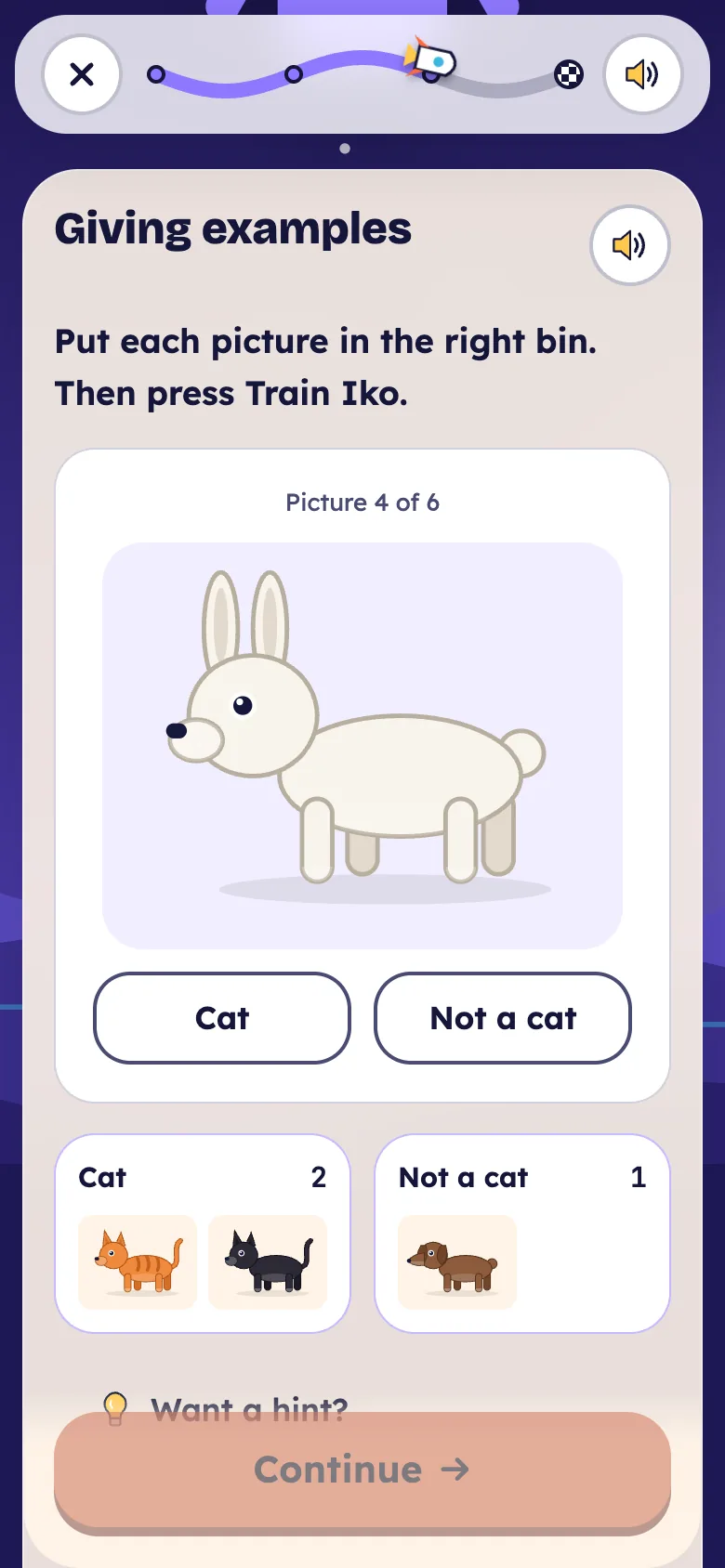
Teach Iko to recognise things. Then find out why a sorting robot keeps putting a can in the paper bin.
Missions in AI, robots, speed and making · ages 4 to 14
The sun comes up over Morrow Base and the crew is ready. Your child trains an AI, tunes the wing of a racing car and builds a bridge from paper. Short missions of 10 to 20 minutes, each with a clear end.
In your browser. No account needed.
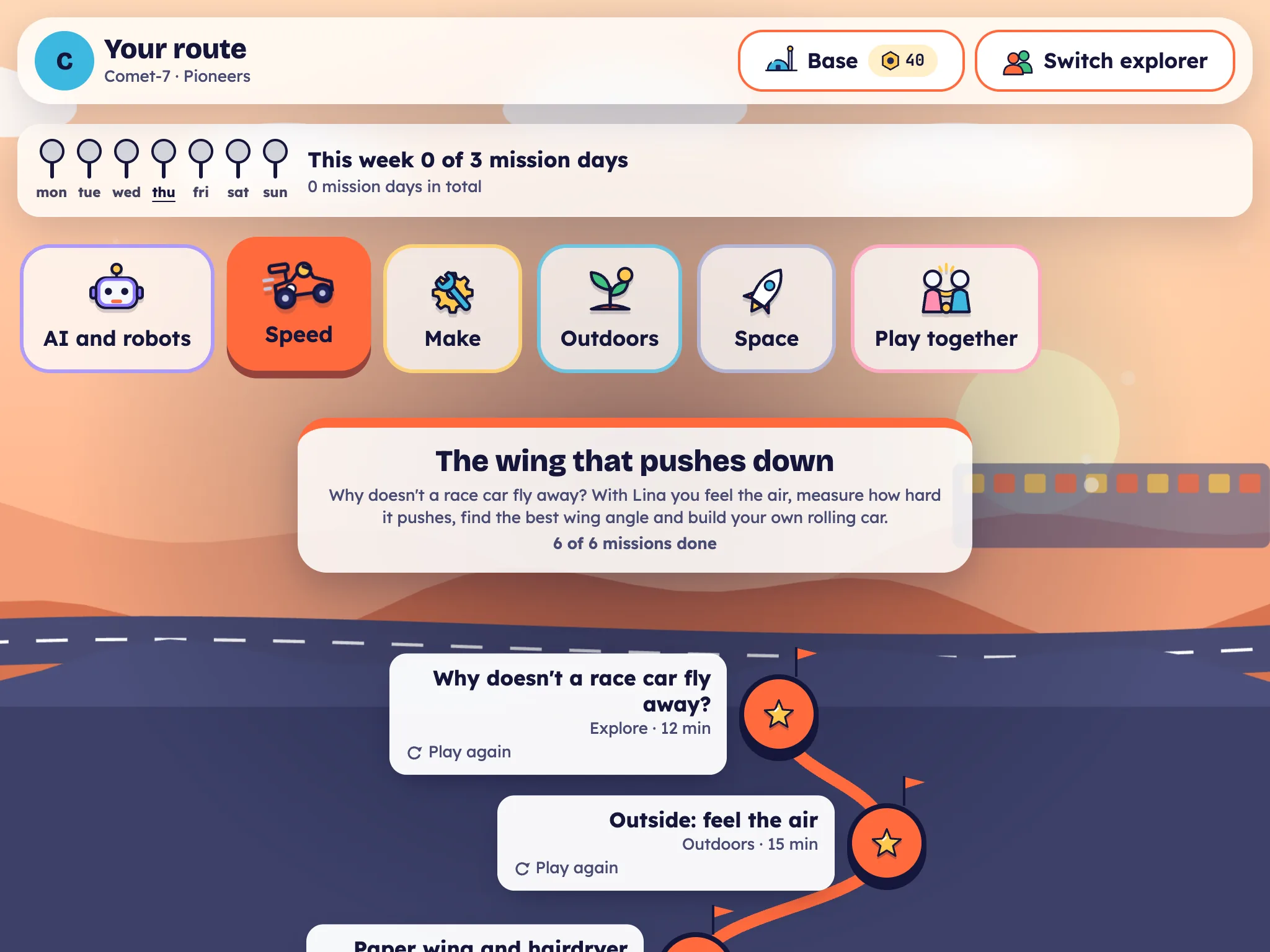
Screens aren't the problem. Where the hours go is. Endless short videos, and block worlds and battle games built to keep them playing one more round. Fun, sure. But who is learning how any of it works?
5 hrs
a day of entertainment screen time for a typical 8 to 12-year-old
1.5 hrs
of that goes to gaming, every single day
39%
of the skills workers rely on today will change or disappear by 2030
170M
new jobs by 2030, many of which barely exist today
The world they grow up in is being rebuilt by AI, robots and climate tech. They deserve to be the ones building it.
Sources: Common Sense Media Census 2026 (US, ages 8 to 12); World Economic Forum, Future of Jobs Report 2025.
You can't just step in front of the train and stop it. The only move that's going to work is steering the train.
We can't stop the change either. But we can teach kids to steer.
Since the 2025–26 school year, every public school in the United Arab Emirates teaches AI as a subject, from kindergarten to the final year. The UAE appointed the world's first minister for AI in 2017 and is working towards its National AI Strategy 2031.
That's the bar. Mission Morrow brings it home, whichever school your child goes to.
Sources: UAE Ministry of Education via WAM (May 2025); UAE National Strategy for Artificial Intelligence 2031.
Mission Morrow turns screen time into maker time. Short missions make kids aware of six forces shaping tomorrow, and confident enough to shape them back.
How an AI learns, why it gets things wrong, and when not to trust it.
Code, sensors and engineering: how the things they use are built.
Heading outside to observe, measure and wonder at the real world.
Energy, materials and climate: choices that last.
Orbits, rockets and stars, the next frontier for their generation.
Playing together, outside: taking turns, making a plan and helping each other.
Many missions end at the kitchen table: a paper wing, a cardboard grabber, a bridge that has to hold a book.
When Iko mixes up a cat and a fox, your child works out why and helps fix it. That is how engineers think.
After each expedition your child meets the job behind it, like the aerodynamicist who shapes wind turbines.
Eight worlds to explore, from AI and robots to staying safe online. Each world holds Expeditions of a few Missions. Your child chooses where to go next.
Train it, test it, fix it
Teach Iko to recognise things. Then find out why a sorting robot keeps putting a can in the paper bin.
Measure first, then go faster
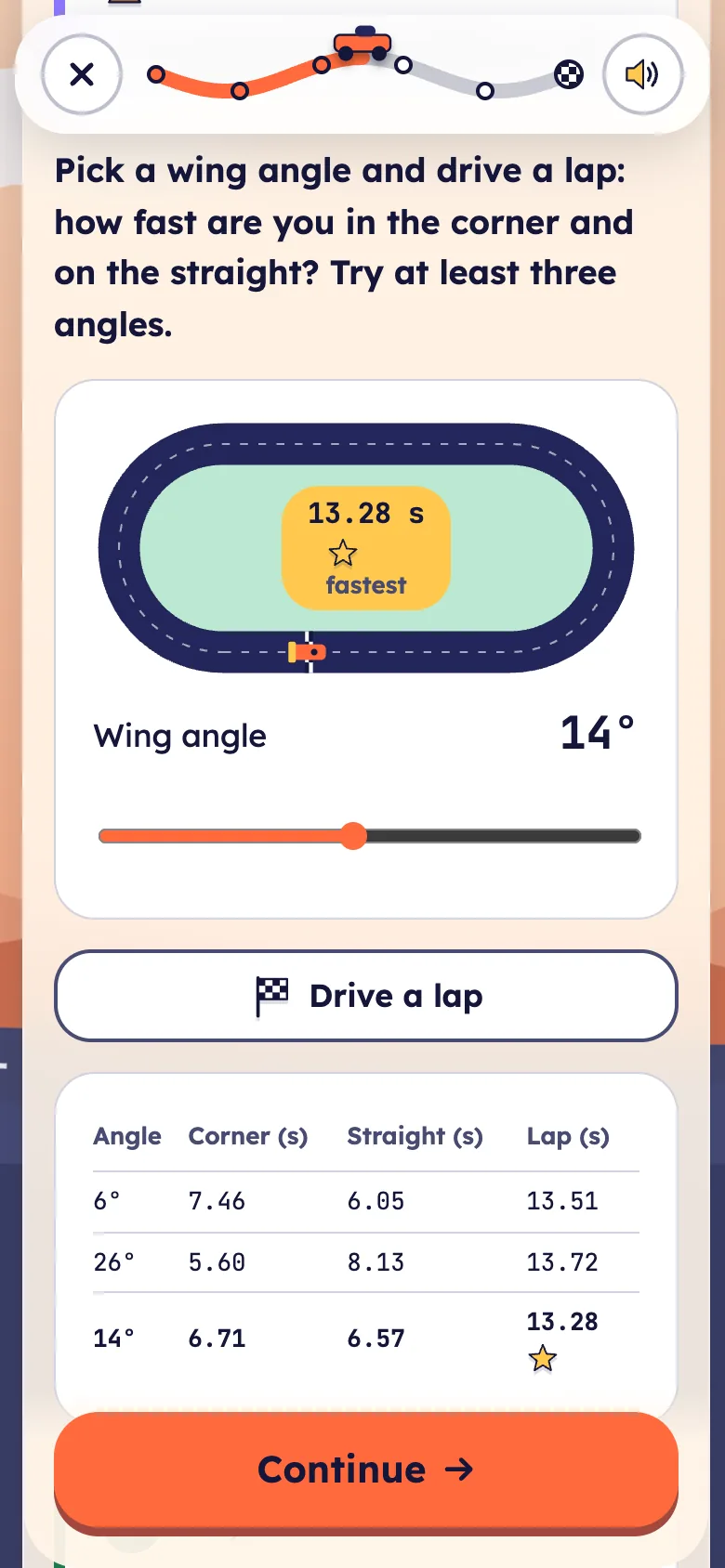
Find the wing angle that wins: more grip in the corners or more top speed on the straight. Then plan a two-second pit stop.
Build it with what's at home
Build a paper bridge that holds a book, or a grabber that lifts with almost no force. If it collapses, you learn where to make it stronger.
A walk becomes research
Is that cloud bringing rain? Look again in two hours. Count electric cars on your street and turn it into your own chart.
Moon, planets, rockets
How far away is the Moon? Roll the planets out along a toilet roll, launch a balloon rocket, and program a lander to touch down safely on Mars.
Outside, as a team
Take turns, make a plan with a friend, and change the rules of tag until the game is fun for everyone. Afterwards you congratulate each other, whoever won.
Plants, insects, water
Why does a bean grow in a glass? Go on a minibeast safari, build a hotel for wild bees, measure a week of rain and count the species in a single square metre.
Safe online, without the fear
Messages reach the harbour by boat, and your child helps decide which ones are welcome. A strong password made of three random words, spotting a fake message, choosing what to share and seeing why updates matter.
For parents: with AI, staying safe online matters more than ever. Phishing messages now arrive without spelling mistakes, voices can be faked and more attacks run automatically. Keeping people and systems safe is becoming one of the key jobs of tomorrow. Here your child learns it calmly, by looking, thinking and asking. A child never types a real password or personal details.
Yara's workshop for real coding. Start from a racing game, change the track and the rules, then build a game of your own.
Every Mission follows the same cycle. At most one in five tasks is multiple choice; the rest is testing, building and explaining.
It starts with something surprising, without the answer.
A racing car could drive upside down through a tunnel. How?
Your child commits to a guess first. There are no wrong guesses.
A steeper wing: faster or slower in the corners?
A simulation or a small experiment shows what really happens.
Slide the wing from 0° to 30° and watch grip and top speed change.
A build task with things from home, with a materials list up front.
Fold a paper wing and test it in front of a fan.
Your child explains it to a younger crew member. We look at understanding, not spelling.
Tell Iko in your own words why the car sticks to the track.
Screens from the current version. One thing at a time, big buttons, and a calm finish.
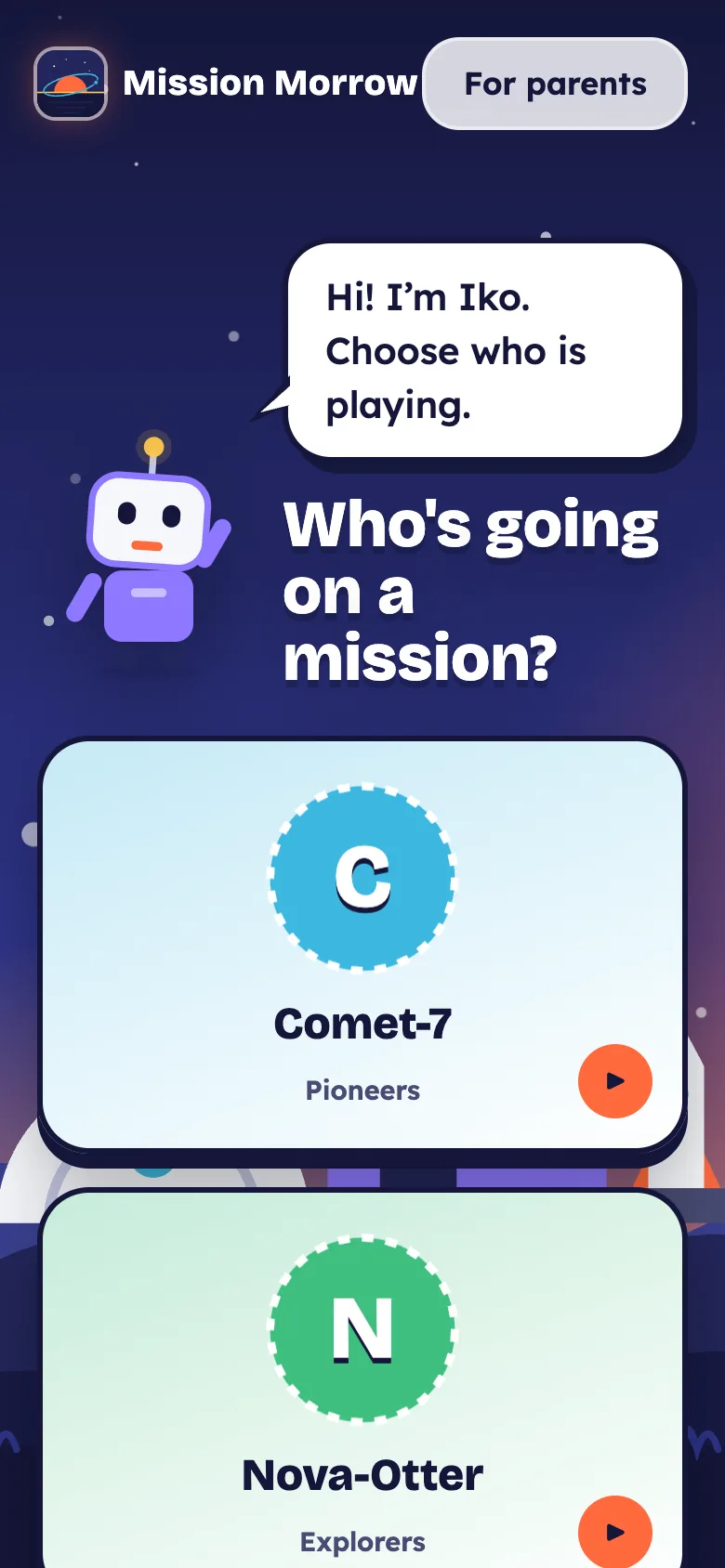
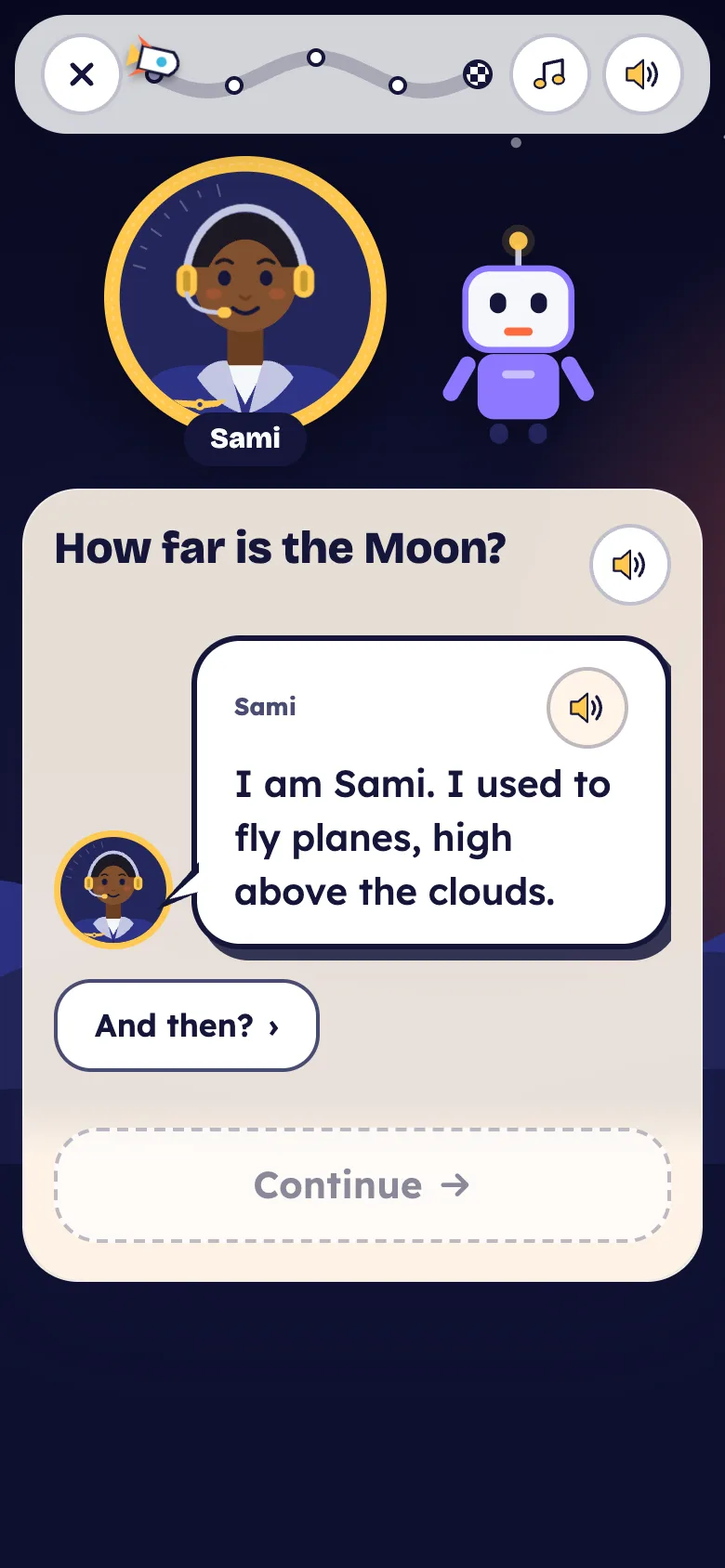
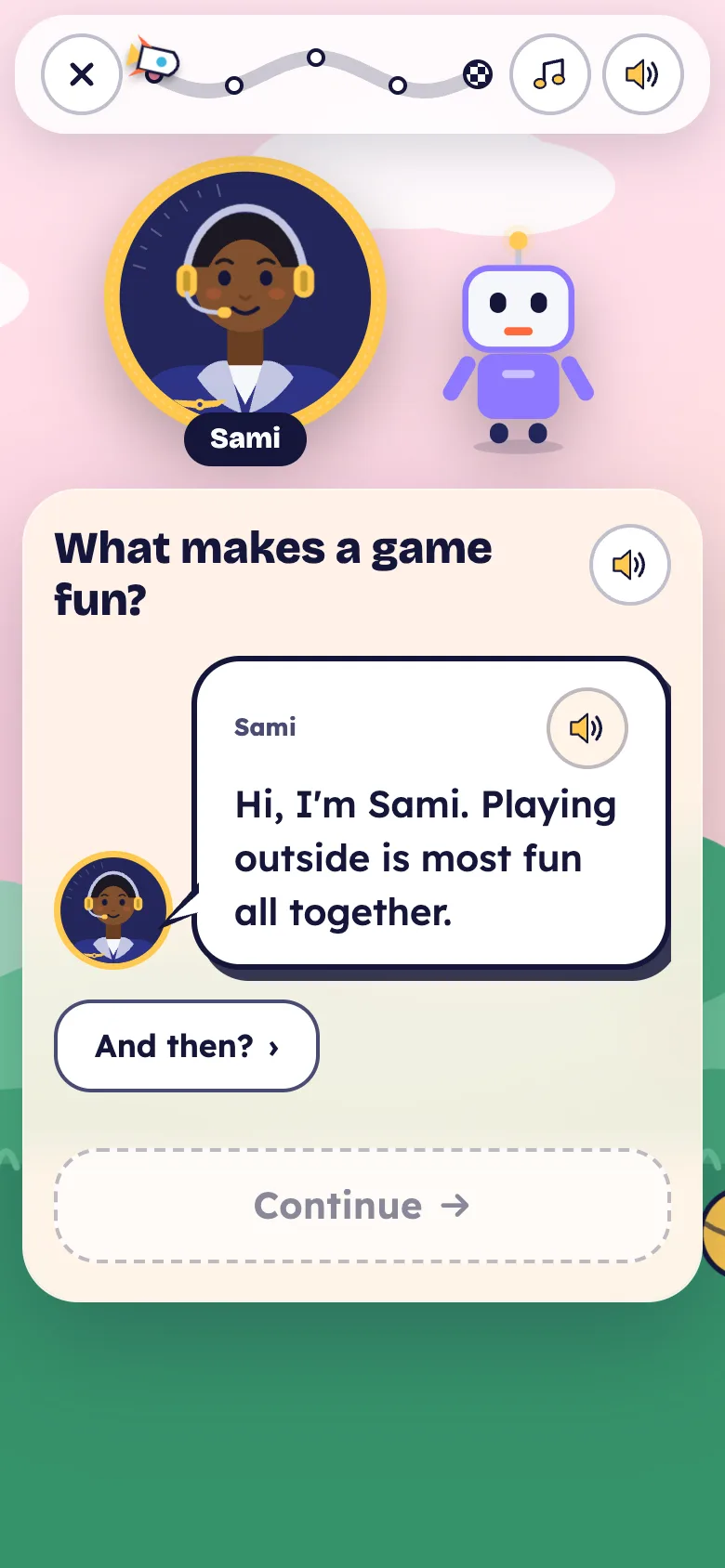
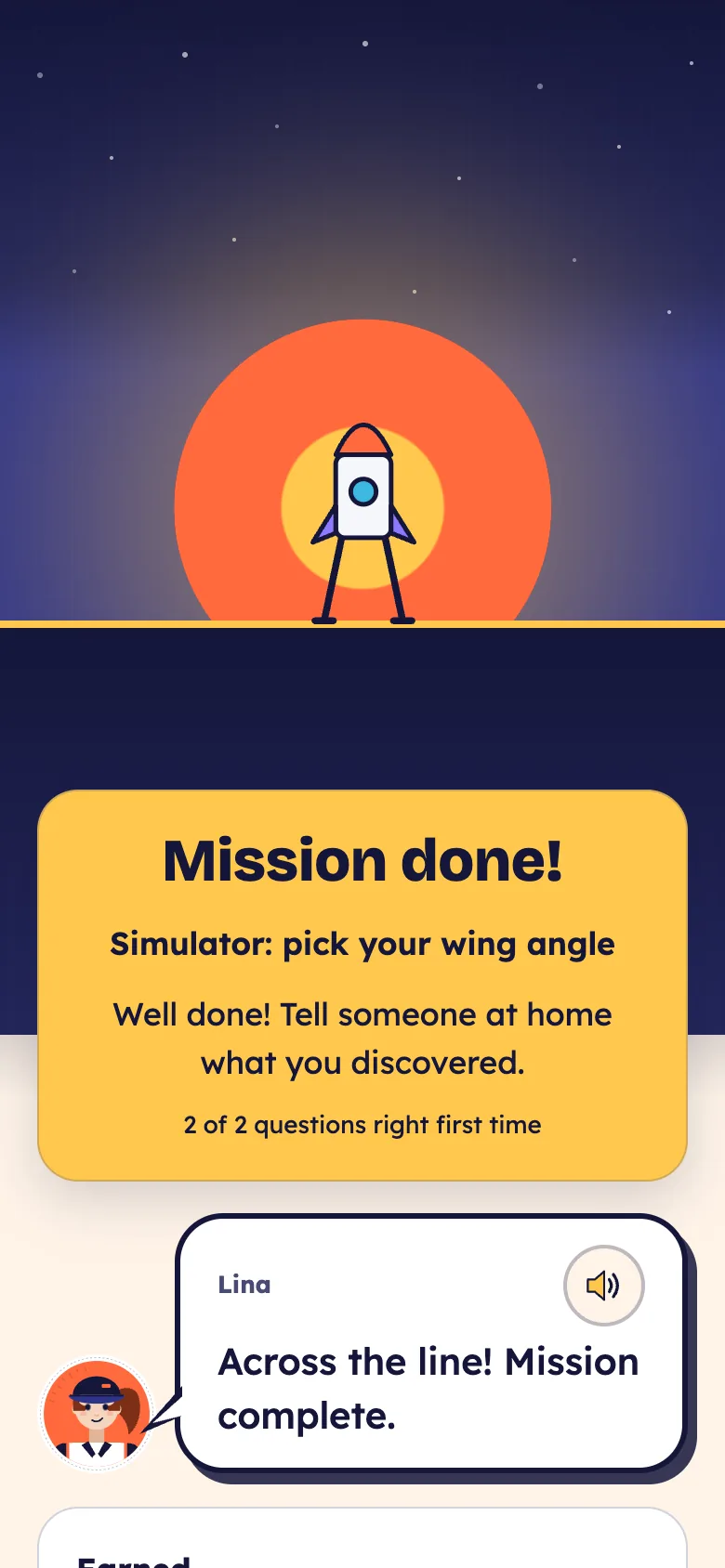
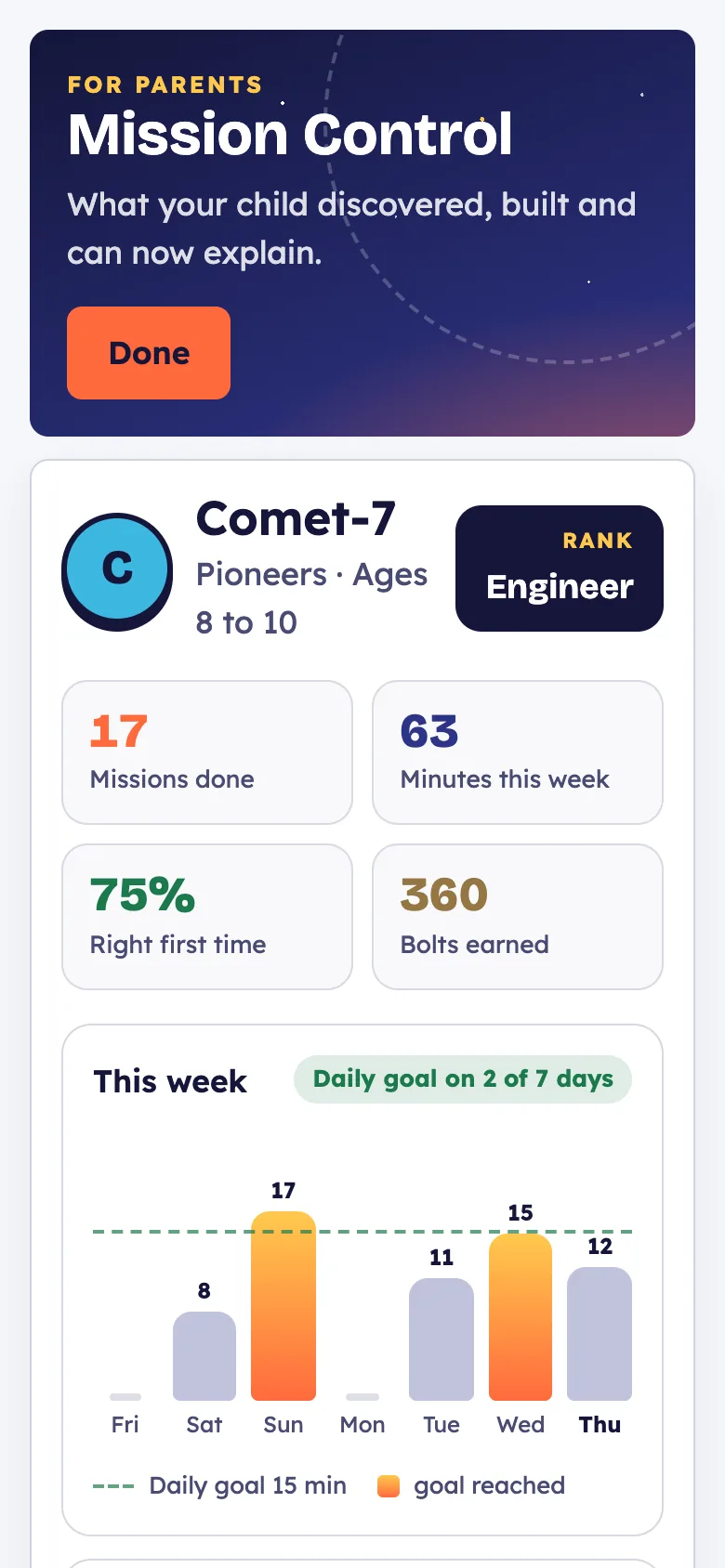
Five crew members guide your child. Each one has a real job and their own way of working.
Guide · former pilot
“Briefing's ready. Pick your world.”
Race engineer · data nerd
“Measure first, then go faster.”
An AI that is still learning
“I think this is a cat. 62% sure. Is that right?”
Game developer · runs Morrow Lab
“Doesn't work? Great, time to debug.”
Inventor and maker
“Failed? Good. What did you learn?”
Five age groups from 4 to 14, each with its own tone, pace and depth. You choose the group; progress always moves with your child.
4–6
For children who cannot read yet: everything is spoken. Counting, shapes and patterns with the Podlings, in the Seed Garden, the Building Site and the Sorting Station. Short sessions, and a lot happens with real things on the table.
6–7
Everything is read aloud, with a picture for every choice. Kids steer a robot with arrows, no reading needed.
8–10
Short sentences, a read-aloud button and lots of building. Coding with blocks: loops, conditions, variables.
11–12
Real terms and real data. Blocks next to real code, and Morrow Lab opens for their own games.
13–14
Typed code, their own small AI models to train and test, and whole systems to design and weigh up.
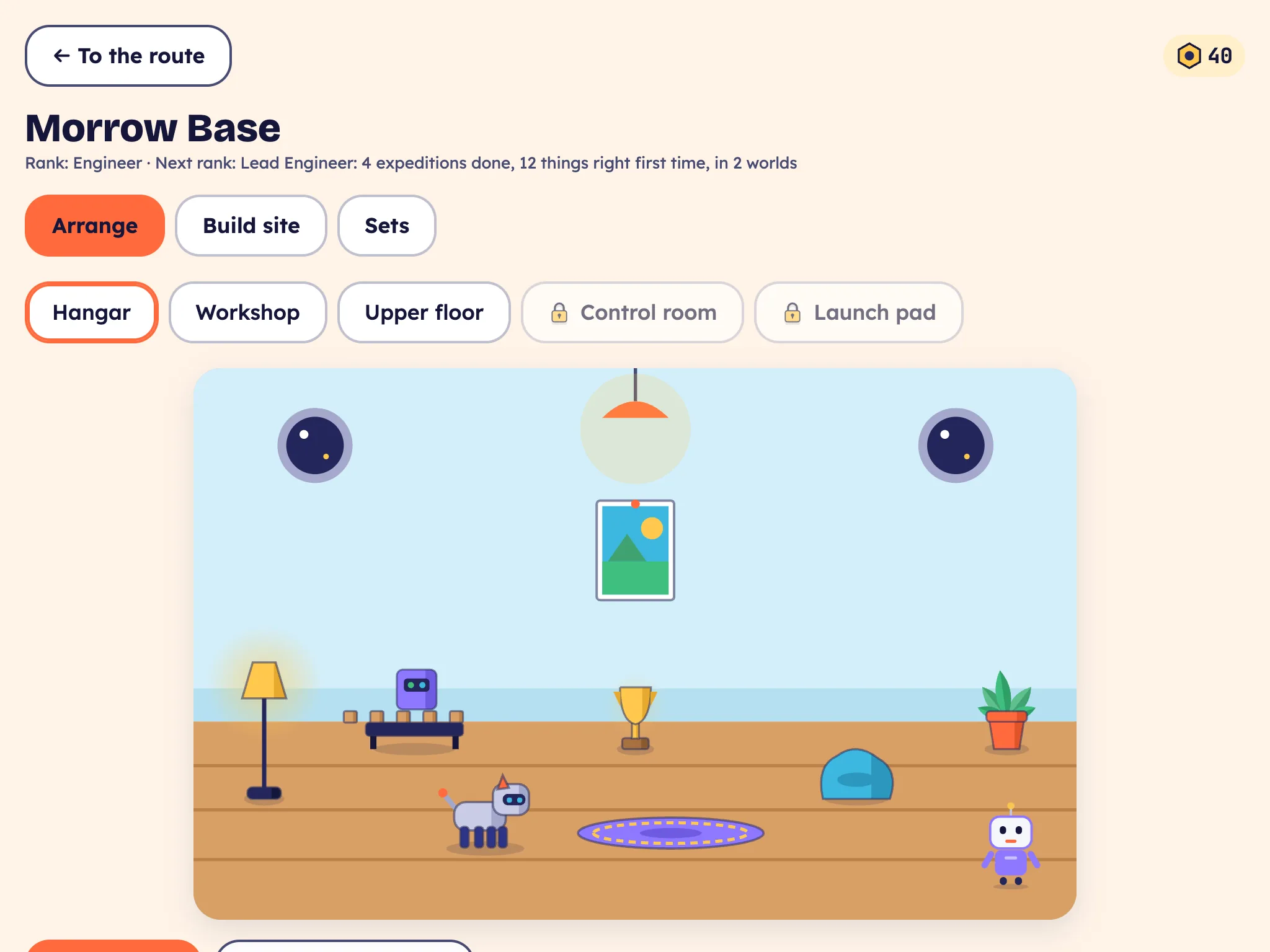
Morrow Base is your child's home in the app: a hangar, a wind tunnel, a workshop. Missions earn Bolts, and Bolts build the base out, part by part.
Bolts are build points. They are only earned with Missions, never bought, and have no money value.
Work is changing with technology. The World Economic Forum expects 39% of workers' core skills to change by 2030 (Future of Jobs Report 2025). Your child learns how this tech works, how to question it and how to build with it.
Bolts and patches reward the process, like changing one thing at a time. Not speed, not luck.
Missions take 10 to 20 minutes and the Daily Briefing 5 to 10. Then the app says it's done for today.
No advertising and no chat. Racing against someone else's saved lap will only ever be within your own class or circle.
An age group instead of a birthdate, a call sign instead of a real name. Accounts are stored on EU servers.
Notifications are off until you turn them on, and never arrive between 19:00 and 08:00. You can set a daily limit.
Mission Control, behind a parent gate, shows what your child can now explain. A weekly email is optional.
Placeholder: quote from a beta family.
Placeholder: quote from a beta family.
Placeholder: quote from a teacher in the beta.
Placeholder: we will show real quotes from beta families here, with their permission. Nothing below is a real review.
You take out one subscription for the whole family. With the same account your child plays in the browser, and soon in the iPad and Android apps as well.
The subscription belongs to your account, not to a device. Sign in somewhere else and it works there too. You never pay twice.
Missions, patches and the base live in the account. If your child starts on the laptop, the tablet simply carries on.
With the Family plan, up to four children, each with their own profile and age group.
A child never sees a price or a sign-in screen: those sit behind the parent gate. Your child’s data never goes to third parties. An app store only sees the parent’s purchase.
Your child plays the first Mission free, without an account. After that, a parent decides whether to start the trial.
7 days free, started by a parent
£8.99
per month
Cancel at any time.
Start with the free Mission£69.99
per year
About £5.83 a month.
Start with the free Mission£94.99
per year
Up to 4 kids, each with their own profile. Yearly only.
Start with the free MissionFor the first 1,000 families: the yearly plan at a fixed price, for as long as you stay subscribed.
£49.99 per year
Launch prices, including VAT. The currency depends on the country you live in and stays the same after that. One subscription covers the browser and, soon, the apps. No in-app purchases beyond the subscription. We remind you two days before the trial ends, and cancelling during the trial costs nothing.
Mission Morrow is made for children aged 4 to 14, in five age groups: Sprouts (4–6), Explorers (6–7), Pioneers (8–10), Engineers (11–12) and Architects (13–14). A parent picks the group, and at 6, 8 and 12 you can choose the younger or older group. Each group has its own tone, difficulty and type of coding. Sprouts comes to the browser first and is not on iPad yet.
Yes. There are no ads, no chat and no contact with strangers, and no purchases beyond the subscription. Settings and payments sit behind a parent gate that asks an adult to solve a sum. A future feature to race a classmate's saved lap will only work within your own class or circle.
Yes. Missions take 10 to 20 minutes and the Daily Briefing 5 to 10, each with a fixed end and no countdown. In Mission Control you can set a hard daily limit. Notifications are off by default and never arrive between 19:00 and 08:00.
You can play now in any modern browser on a computer, tablet or phone at app.missionmarrow.com. The web app can be installed and keeps working offline once it has loaded. The apps for iPad, iPhone and Android are coming soon. You use the same family account everywhere: one subscription, and your child’s progress follows them to every device you sign in on.
The first Mission is free and needs no account. After that, a parent can start a 7-day free trial, then choose Monthly (£8.99 a month), Yearly (£69.99 a year) or Family for up to 4 kids (£94.99 a year, yearly only); these are launch prices. You can cancel at any time from your parent account, and we remind you two days before the trial ends.
Not for the youngest group. In Explorers (6–7) everything is read aloud and every choice has a picture. Pioneers (8–10) get short sentences and a read-aloud button on every step. In Sprouts (4–6) there is no text on the child’s screen at all: everything is spoken.
Yes, in The Lighthouse, our newest world. With AI that matters more than ever: a fake message no longer gives itself away with spelling mistakes, and a voice can be imitated. Your child learns to make a strong password from three random words, to spot a fake message, to choose what to share and why updates matter. The tone is calm: look, think and ask a grown-up. A child never types a real password or personal details there.
Children learn how AI works by training and correcting Iko, an AI character that is still learning. Explanations in the missions are written in advance and checked by people. We do not send your child's text, voice or photos to an external AI service, and image recognition runs on the device itself.
Mission Morrow is available in English, Dutch, French and German. You can switch language at any time in the settings. Brand words like Mission, Crew and Morrow Base stay in English in every language.
About 15 minutes and a browser is all it takes. No account, no card.